Built by operators · We run a print farm too
Running a print farm
is a lot to hold in your head.
Print Hive is the command center for 3D print farms. Live fleet status, a queue that sends each job to the printer that can actually run it, and alerts when a print goes bad. Built for a handful of machines up to hundreds.
Built for Bambu Lab farms. Snapmaker U1 is supported. Prusa is on the way.
14 days of Pro. No card. Up to 15 printers. Free stays at 2 after. Smart Queue is on Pro.
Job records across Hive
0completed·
0failed·
0finished attempts
Anonymized aggregates. No farm names. These are recorded job outcomes, not a claim that Print Hive caught or prevented the failures.
See methodologyWhat Print Hive Does
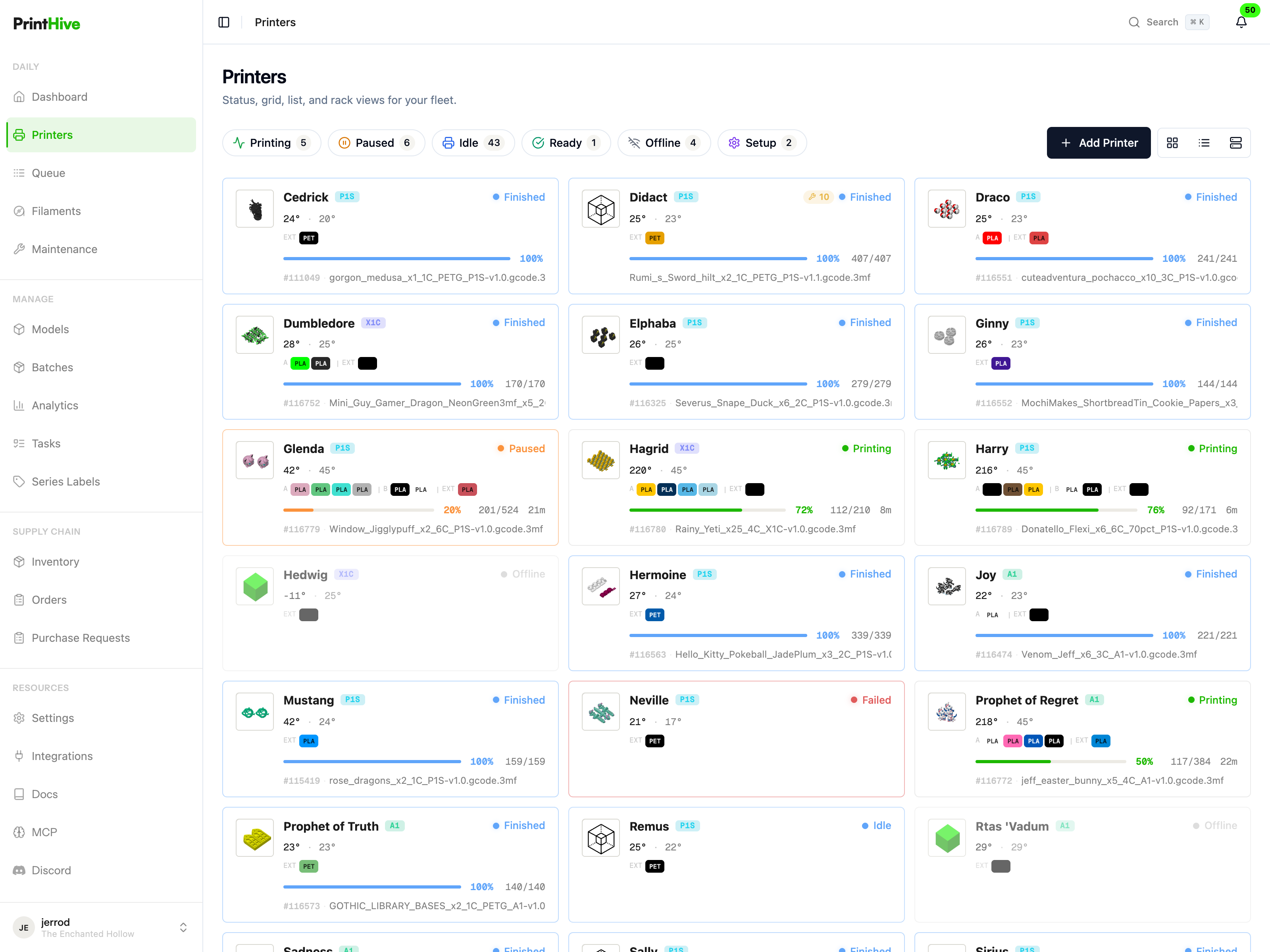
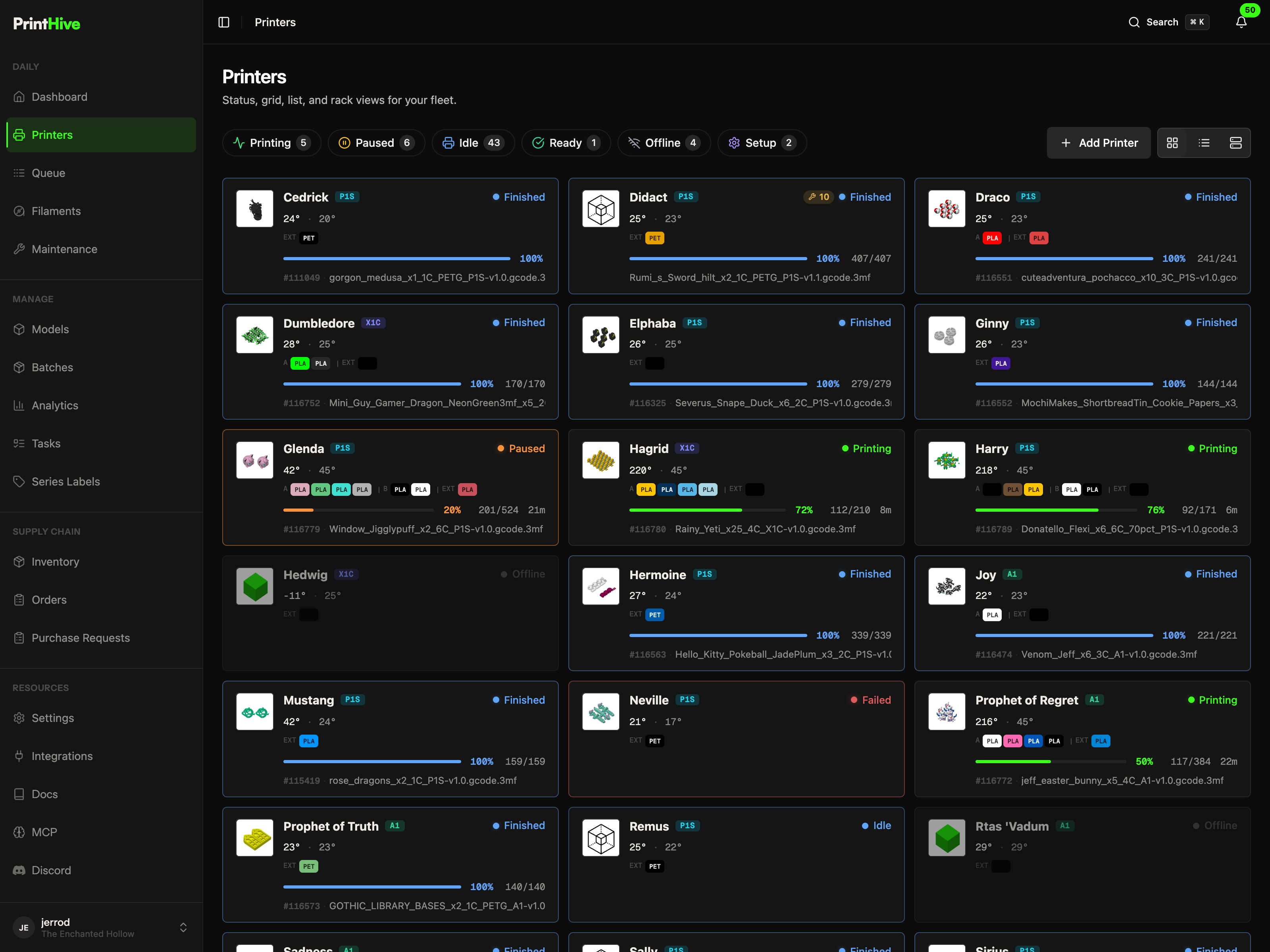
Fleet Monitoring
Every printer, status, and temperature on one screen. HiveLink stays on your network.
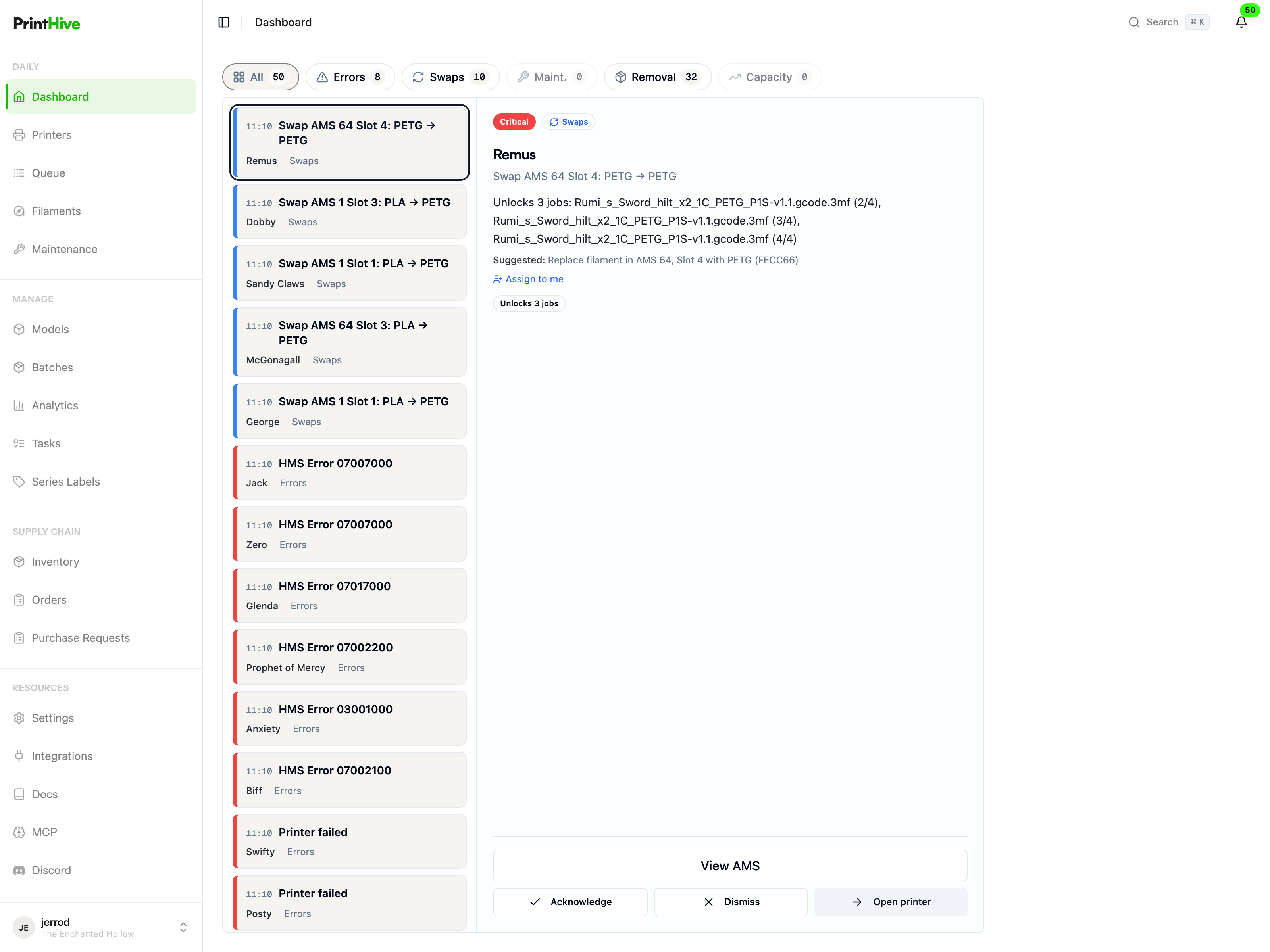
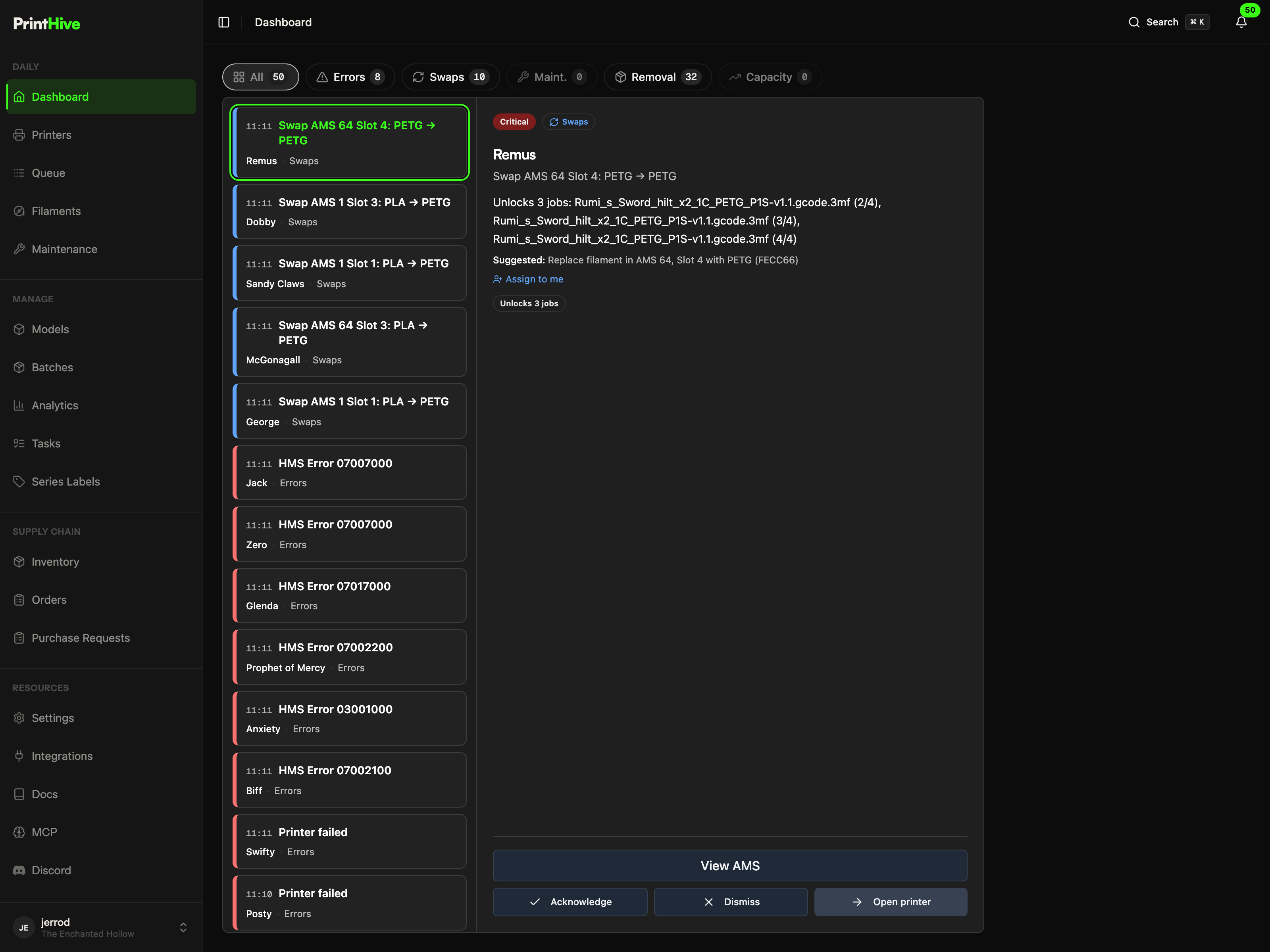
Smart Queue
Assigns the next job by material, nozzle, dryness, and what's already in the AMS. You can see why it picked that machine.
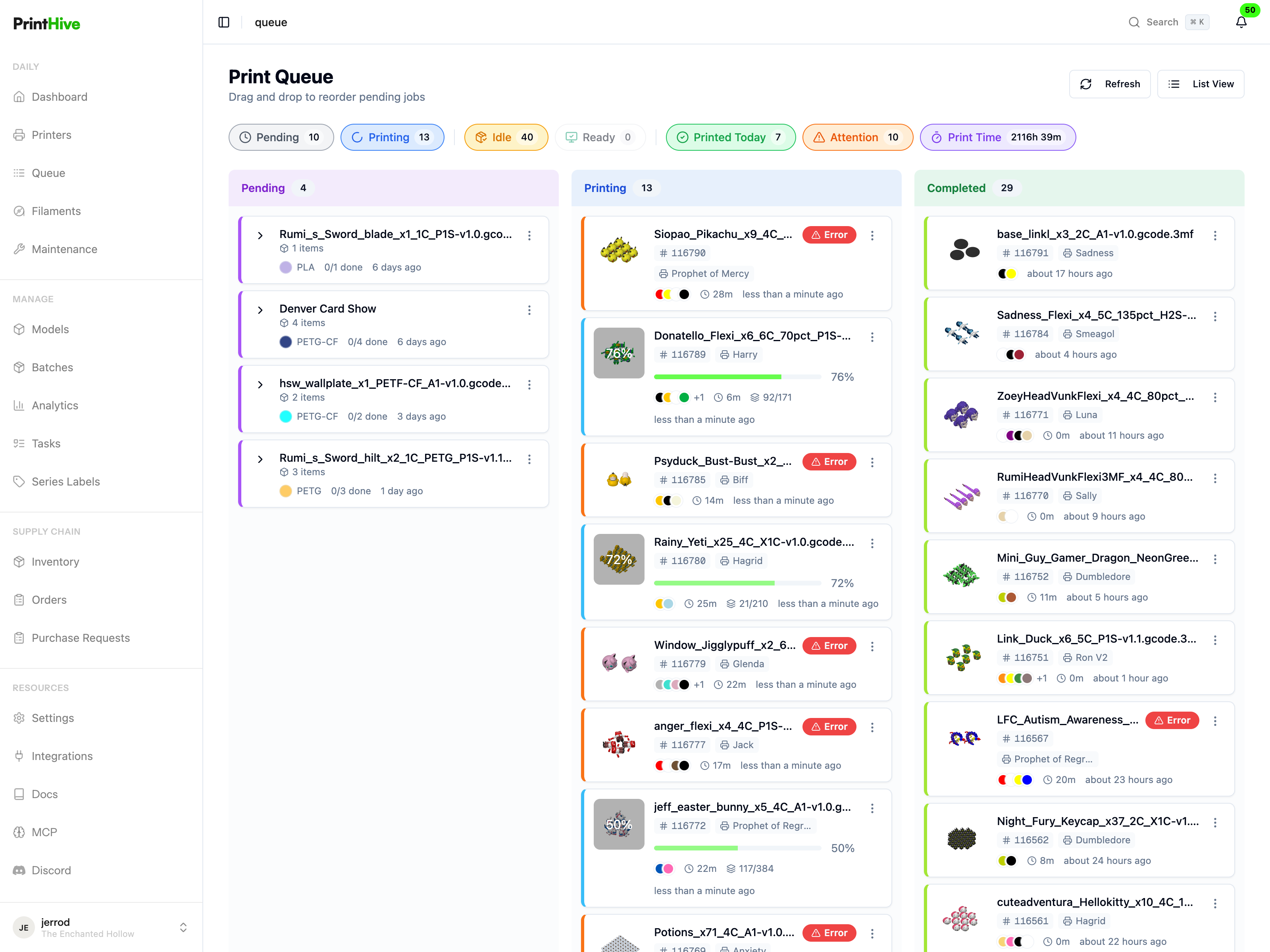
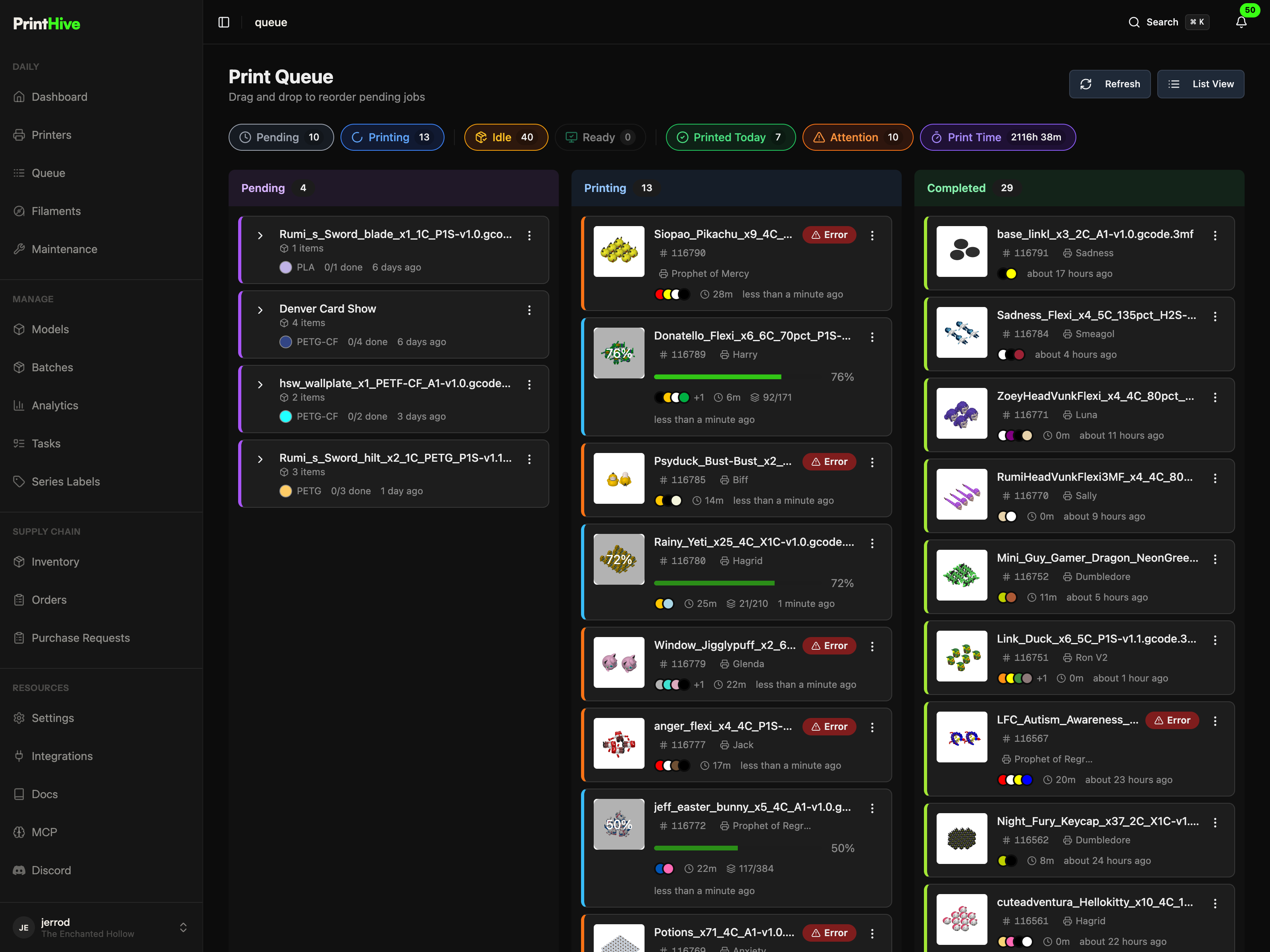
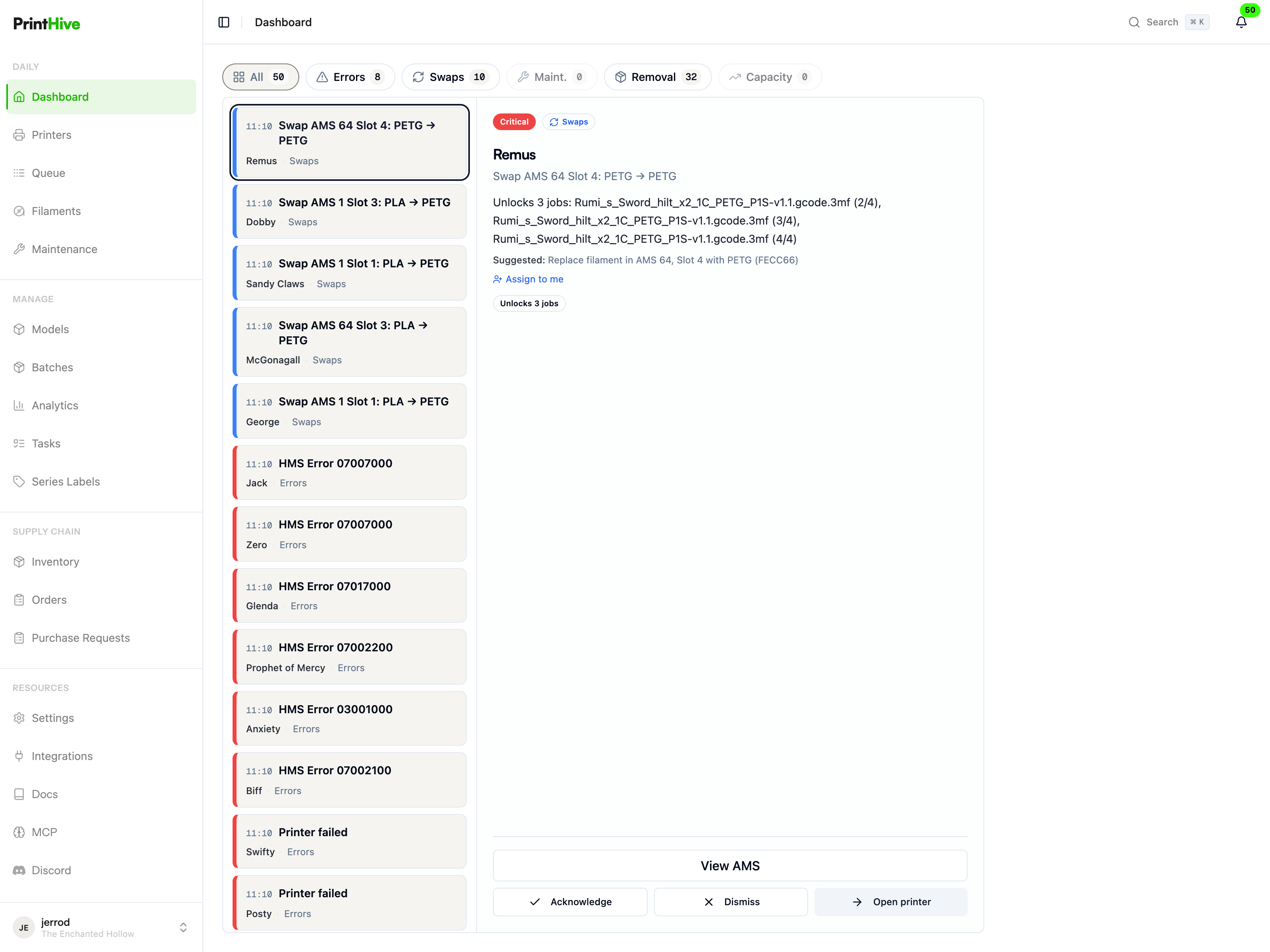
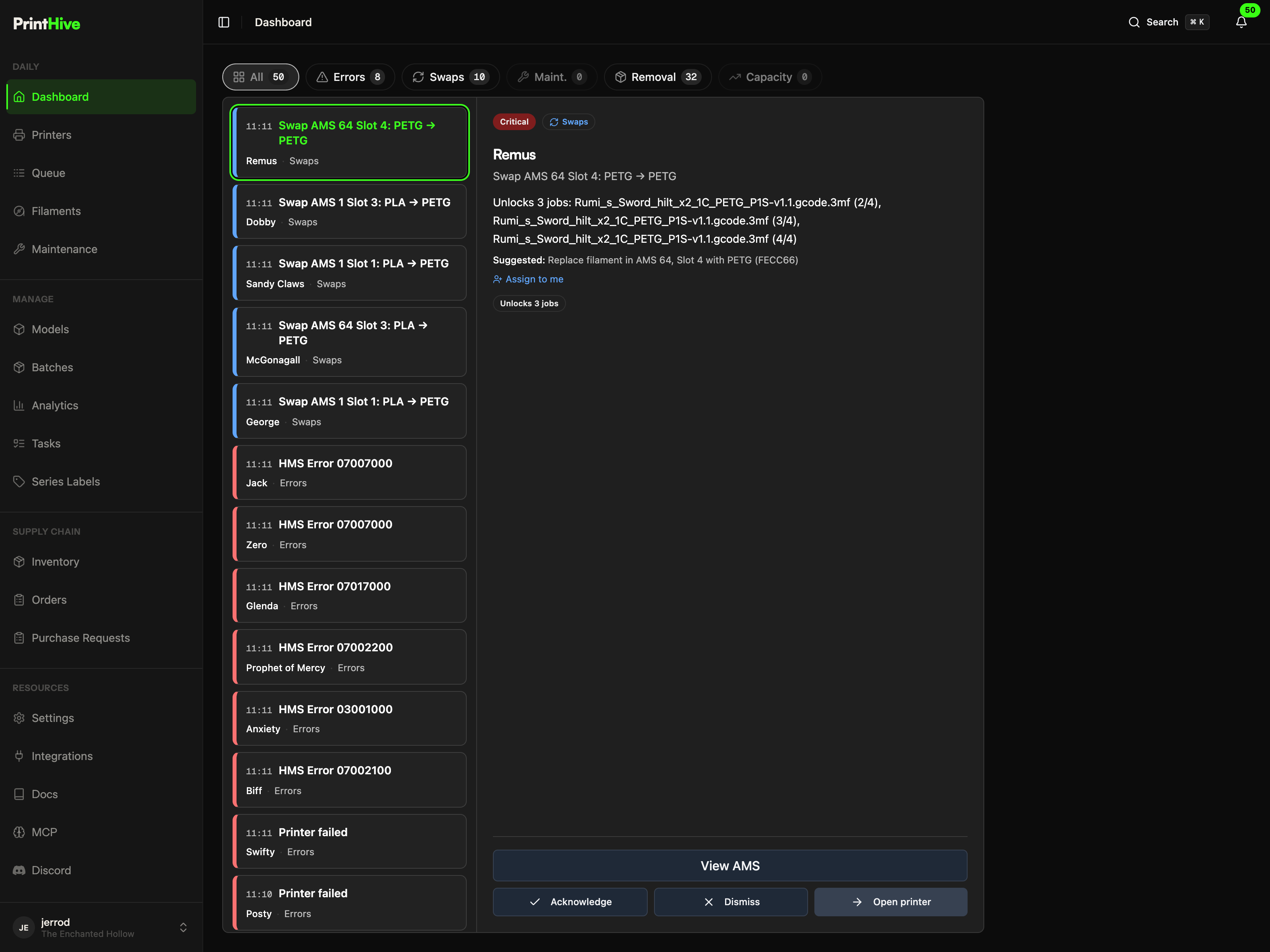
Failure Detection
Spaghetti and layer-shift alerts so you are not the camera. Processed on HiveLink. Frames are not stored on our servers.
Built for how farms actually run
Three Steps to a Managed Farm
Install HiveLink
Windows, macOS, Linux, or a Pi on the farm network. It discovers printers and talks out to the dashboard.
Connect the printers
They show up in Print Hive. You do not open inbound ports.
Send a sliced job
Upload a .gcode.3mf. Smart Queue picks a machine, or you assign it. Alerts if it fails.
Farm Manager is the default. Print Hive is for the next problem.
When Farm Manager is enough
You are all-Bambu, you work on the LAN, and you are fine clicking Start on the next task. Keep it. It is free.
When Print Hive is the better next step
Jobs should go to the printer that already has the right filament, nozzle, and dryness. You want the reason written down. You want a failure ping without walking the row. You want the dashboard when you are not on the farm network.
| Print Hive | Bambu Farm Manager | SimplyPrint | |
|---|---|---|---|
| Price at 15 Bambu printers | $49/mo (Pro) | Free | Paid, similar band |
| Queue | Material-aware routing + why-this-printer | Task queue, you start the job | Shared queue + AMS mapping |
| Failure detection | Yes (paid) | No | Yes (paid) |
| Where it runs | HiveLink on-site, dashboard in the cloud | On-site only | Cloud |
| Best fit | Bambu farms that waste plates on the wrong AMS | Local Bambu fleets that want first-party and free | Mixed-brand farms, or Bambu plus everything else |
Print Hive is not a mixed-brand farm platform yet. Bambu Lab is the primary focus. Snapmaker U1 is supported today. Prusa is next.
Print Hive FAQ
What happens when the trial ends?
After 14 days, your account drops to the Free tier (2 printers, no Smart Queue or AI features) unless you subscribe. Your data stays — you just lose access to Pro features until you upgrade.
What counts as a printer for billing?
Each physical Bambu Lab printer connected through HiveLink counts as one printer. Printers you've removed from your farm don't count.
What happens if I go over my printer limit?
You'll see an in-app warning when you approach your limit. Extra printers are $5/printer/mo on Starter and Pro, and $4/printer/mo on Farm+.
Can I change plans?
Yes — upgrade or downgrade any time. Upgrades are effective immediately and prorated. Downgrades take effect at the end of your billing cycle.
Is HiveLink included?
Yes. HiveLink is free to download and run on any computer or Raspberry Pi on your network. It's not a separate charge.
Do you offer discounts?
There is no public lifetime discount on the current paid plans. The plans are priced to stay sustainable as your farm grows; farms with 50+ printers should talk with us about the right setup.
Do you store my camera footage?
Live frames are processed locally by HiveLink for failure detection — they're not stored on our servers. Print job history and status data is stored securely. See our privacy policy for details.
Your farm is already running. Let's put a queue on it.
14 days of Pro. No card required. Up to 15 printers. The 5–25 printer farm is the product.