01
Print Hive supplies page context
When you open Hex inside the app, the product can hint at the printer, job, batch, queue, or action feed you are already viewing.
Print Hive MCP is the authorized connection between your farm data and Hex Agent, the Print Hive Smart Assistant. Hex can read live printer, queue, material, and operator context, then turn it into clear recommendations that stay under operator control.
Cursor, Claude, Codex, ChatGPT, and Grok connect to the same org-scoped MCP server as Hex — through OAuth or the official plugin — so you can drive your farm from any agent workflow.
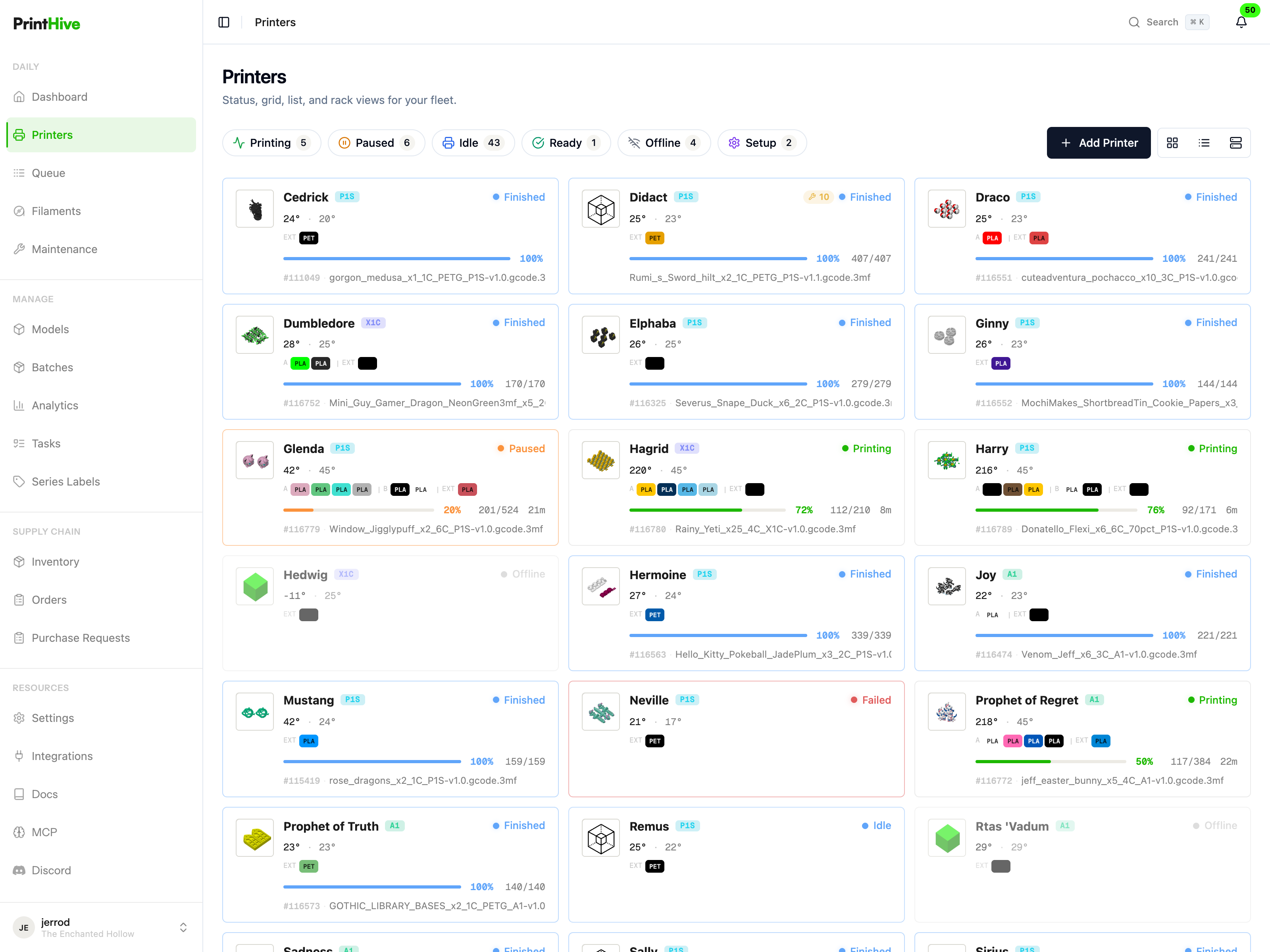
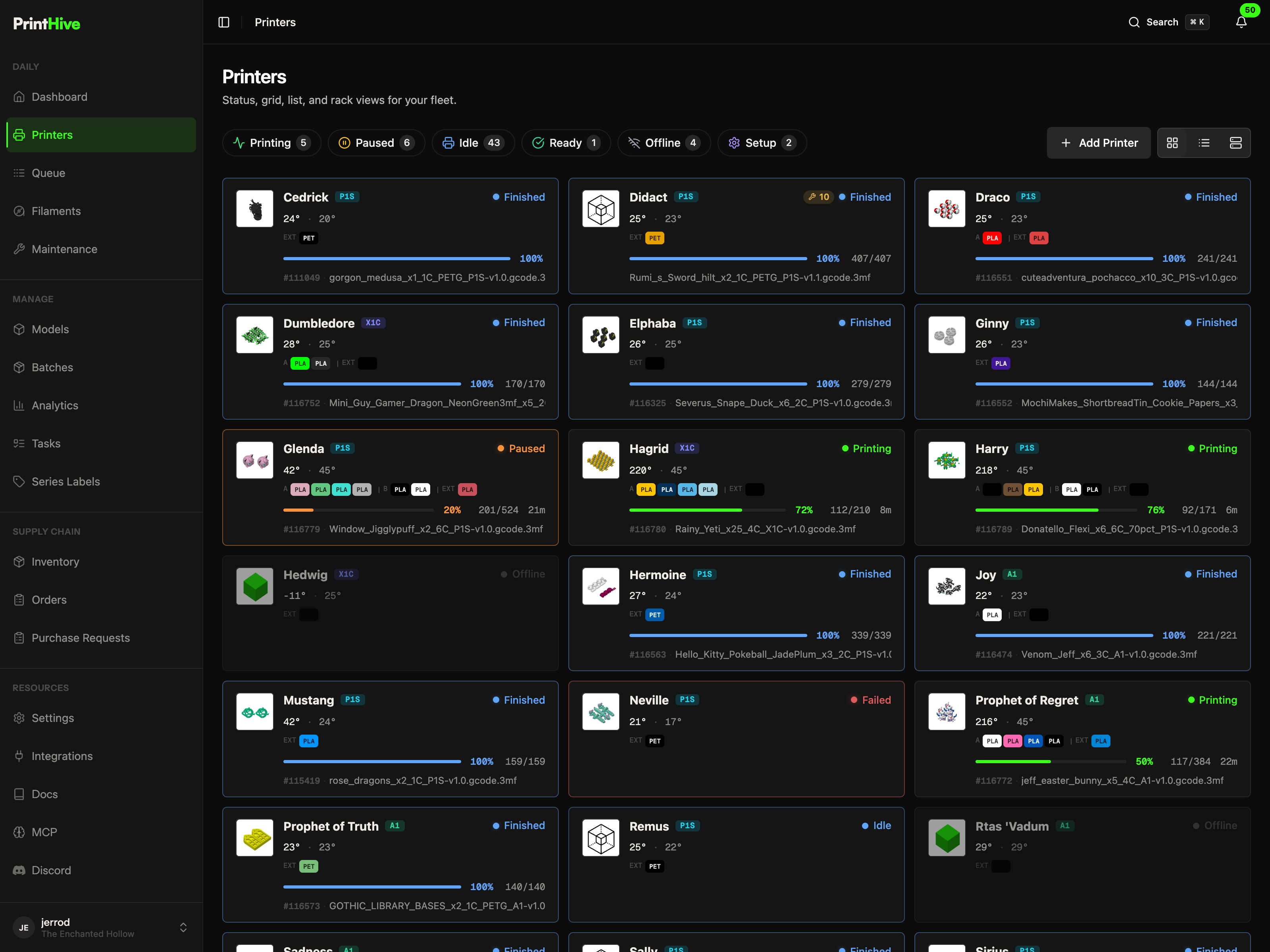
Which jobs are at risk, what can run next, and where is material becoming a bottleneck?
Hex re-reads printers, jobs, queues, materials, and receipts instead of relying on stale chat memory.
Sensitive actions stay narrow, visible, and approval-gated before they affect a real machine.
How Hex uses MCP
Hex is not a generic chat window taped to your dashboard. It uses MCP to fetch scoped, current Print Hive context, cite the tools it used, and translate that context into operator work.
When you open Hex inside the app, the product can hint at the printer, job, batch, queue, or action feed you are already viewing.
Page context is treated as a starting point. Hex re-reads the current records through org-scoped MCP tools before answering.
Hex can produce recommendation receipts so suggested actions stay visible until an operator completes, dismisses, or revisits them.
Actions such as filament changes, ready-state updates, or duplicate-job operations pause for confirmation before execution.
Available tools
The MCP server exposes high-signal tools instead of raw tables. Hex and compatible clients can ask focused questions about utilization, queues, printer health, material runway, network state, sessions, and operator follow-through. Listed in the official MCP registry as com.printhiv3d/print-hive.
Read printer inventory, live state, AMS/extruder state, local files, and temperature telemetry.
printers_listprinters_queryprinter_live_statusprinter_amsprinter_filament_statenarrated_filament_load_previewprinter_filesprinter_file_task_statustelemetry_temperaturesRead print job records, history, schedulability, risk, and model-file printer compatibility.
jobs_listjobs_getjobs_historyqueue_healthjobs_at_riskmodel_file_compatible_printersproduction_promise_advisorsmart_queue_intervention_planfailure_patternsprint_job_resource_searchHigher-level operating summaries for utilization, downtime, throughput, maintenance, material runway, network health, and session review.
farm_utilizationfarm_playbookprinter_downtimematerial_runwaythroughput_reportsession_summarynetwork_healthmaintenance_debtmaintenance_service_planRead Hex-related settings, recommendation follow-through, and human-authored shop-floor annotations.
assistant_settings_statusassistant_capabilities_statusassistant_recommendation_receiptsoperator_annotationsoperator_annotation_previewaction_items_listoperator_dispatch_queueNarrow production actions that Hex may request only behind explicit operator approval.
eve_operation_proposeoperator_annotation_applynarrated_filament_load_confirmfilament_loadfilament_unloadfilament_acknowledgefilament_assign_slotsjob_createjob_duplicate_last_on_printerprinters_set_readySecurity model
MCP is not a shortcut around Print Hive authorization. The same API boundary validates credentials, binds organization access, and separates read privileges from production-affecting actions.
The MCP server accepts user Bearer tokens and scoped API credentials. Models do not receive raw database credentials.
Every request is bound to an active Print Hive organization, then revalidated by the API before a tool handler runs.
Read tools are separated from write tools, and Hex receives an allow-list tuned for safe print farm assistance.
Architecture
The MCP endpoint is mounted by the API at /v1/mcp. Tool handlers read through the same org-scoped backend services used by the product.
Printer commands still flow through API, Pulse, HiveLink, and then the local printer. MCP does not move local-network trust into the assistant.
The Hex Agent connection allow-lists read tools and a small set of approval-gated actions, keeping broad hardware controls invisible.
Connectors
Hex is the native Print Hive experience, but the same protocol also gives technical teams a documented path into compatible assistants and automation workflows.
The Print Hive Smart Assistant uses MCP as its live data and action layer inside the app.
Open Print HiveInstall the official plugin or connect via OAuth. Use Print Hive MCP in your editor for farm diagnostics and automation.
Setup guideConnect a developer workflow to printer, queue, material, and job context from the command line.
Setup guideInstall the official Print Hive plugin for fleet operations, models, inventory, Makes, and guarded printer controls.
Setup guideConnect ChatGPT to the same authorized MCP surface for structured print farm questions.
Setup guideInstall Print Hive in Grok Bot via Settings → Plugins, or use the agent-claim flow for headless integration.
Setup guideUse MCP to connect AI workflows to Print Hive data, then let Hex turn that context into prioritized, reviewable operator work.
https://api.printhiv3d.com/v1/mcp